
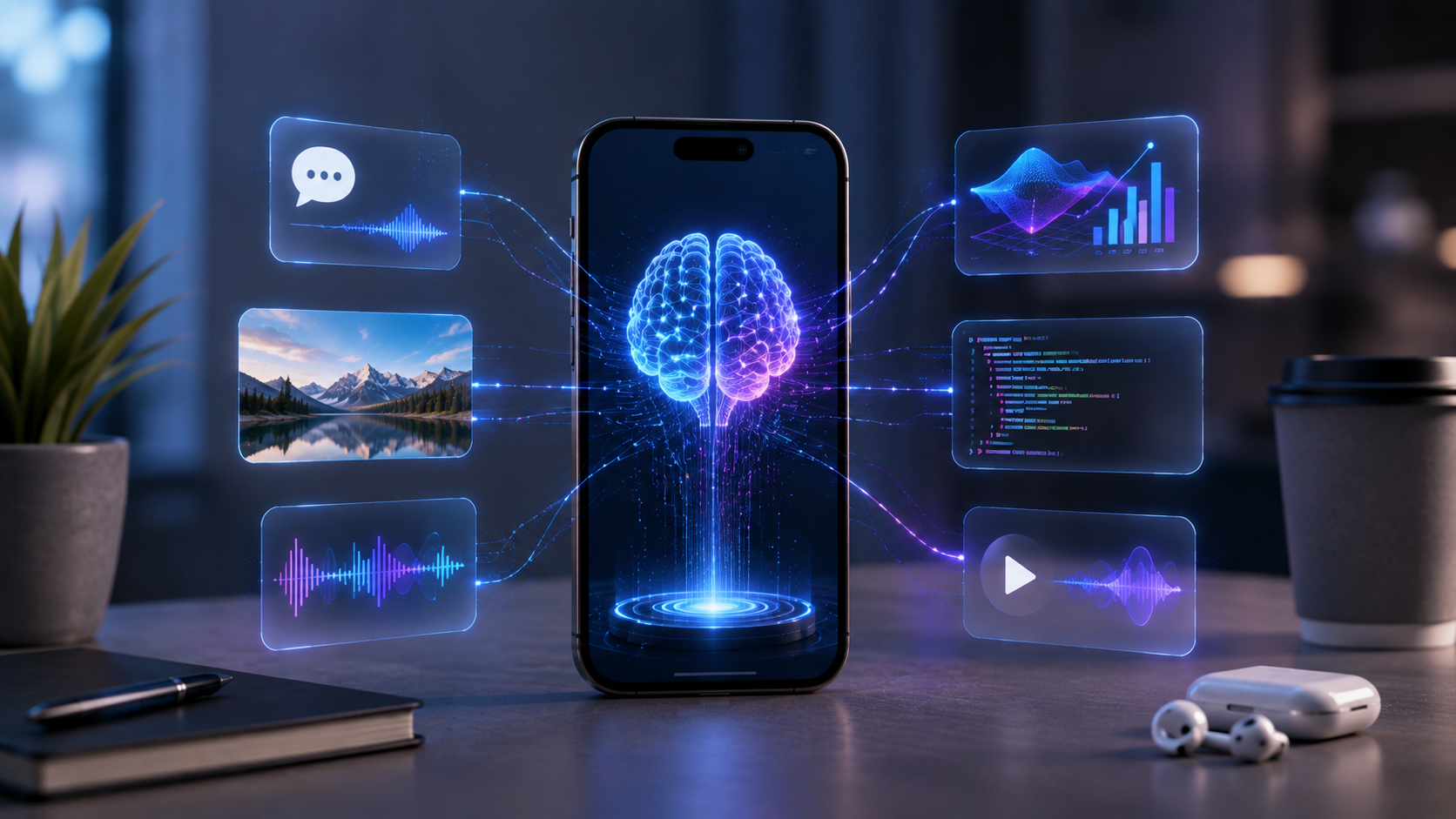
For years, mobile apps largely relied on taps, typed commands, menus, and predefined workflows. That model is changing rapidly. Multimodal AI allows an application to understand and work with different types of information—including text, images, voice, video, and visual context—within the same experience. For iPhone users, this opens the door to applications that can understand not only what a user says, but also what they show, see, or hear.
Apple is accelerating this shift through technologies such as Vision, Core ML, Foundation Models, App Intents, and Apple Intelligence. Apple’s developer documentation now describes Foundation Models capabilities that can combine multimodal prompts with Vision tools for tasks such as understanding images, extracting text, and interpreting visual information.
The result is more than another AI feature added to an existing app. It is creating a new generation of intelligent iOS experiences.
What Is Multimodal AI?
Traditional AI applications often focus on one input type. A chatbot primarily understands text, while a computer-vision application focuses on images or video.
Multimodal AI combines multiple forms of input and output. An application might allow a user to:
- Take a photo and ask a question about it.
- Speak a request while showing an image.
- Upload a document and ask for a spoken explanation.
- Point a camera at an object and receive contextual information.
- Share something on the screen and ask the app to analyze it.
- Combine text, voice, images, and structured data to complete a task.
This makes interaction much closer to natural human communication.
Instead of forcing users to explain everything through text, the app can use the camera, microphone, screen, and other device capabilities as sources of context.
Why iOS Is Becoming a Strong Platform for Multimodal Experiences
Apple has been steadily expanding the tools available to developers for intelligent applications.
The Vision framework provides capabilities for image and video analysis, including OCR, barcode recognition, object-related processing, and other computer-vision functionality. Core ML supports machine-learning models directly within applications, while Apple’s newer AI technologies expand the possibilities for on-device generative intelligence.
Apple has also introduced Foundation Models as a native Swift API for accessing its on-device models and connecting applications with language-model capabilities. Apple’s current developer documentation specifically highlights multimodal prompts and the ability to use Vision tools alongside models.
This combination creates an important advantage: developers can build AI experiences around the capabilities already available on an iPhone instead of treating AI as an isolated chatbot window.
From Chatbots to Context-Aware Applications
One of the biggest changes is the move from conversation-first apps to context-first apps.
A conventional AI application might work like this:
User → Types question → AI generates answer
A multimodal application can work more like this:
User → Shows image + speaks request → AI understands context → App performs an action
Consider a shopping application. Instead of typing “black running shoes under $100,” a user could photograph a pair of shoes, ask for similar products, specify a budget by voice, and receive recommendations.
The same concept can apply to education. A student could photograph a mathematics problem, ask a question verbally, and receive a step-by-step explanation.
For travel, a user could point their camera at a sign, translate the text, and ask for directions.
The application becomes less dependent on menus and more responsive to intent.
New Categories of iOS Applications Emerging
Multimodal capabilities are not simply improving existing apps. They are enabling entirely new product categories.
1: AI Visual Assistants
Visual assistants can understand photographs, documents, objects, signs, and screens.
For example, an app could let users photograph a product and instantly explain what it is, compare alternatives, summarize specifications, or answer follow-up questions.
Apple’s visual intelligence capabilities demonstrate where this interaction model is heading. On supported iPhones, users can use visual intelligence to understand physical surroundings and onscreen content, including translating or summarizing text and taking actions based on visual information.
2: Intelligent Productivity Apps
Productivity applications can combine documents, voice, images, calendars, and tasks.
Imagine opening an app and saying:
“Look at this meeting screenshot, summarize the important points, and create follow-up tasks.”
The application could extract information from the image, understand the spoken instruction, structure the information, and connect it with relevant app functionality.
This represents a fundamental shift from using an app as a collection of tools to using it as an intelligent workspace.
3: AI-Powered Education Apps
Education is another major opportunity.
A multimodal learning application could allow students to photograph textbook pages, ask questions through voice, highlight diagrams, and request explanations at different difficulty levels.
Instead of simply generating answers, the app can use visual context and conversation history to create a more personalized learning experience.
4: Healthcare and Wellness Applications
With appropriate privacy safeguards and professional validation, multimodal applications can support information gathering, documentation, accessibility, and user education.
For example, users could interact with information through voice and images instead of relying entirely on typing.
However, applications involving medical decisions require particularly strong privacy, safety, validation, and regulatory considerations. AI should not be treated as a substitute for qualified professional judgment.
5: Retail and E-Commerce Applications
Visual search can significantly change how users discover products.
A customer might photograph furniture, clothing, electronics, or home décor and ask an application to identify similar products.
The experience can then combine:
Image → Product recognition → Natural-language request → Search → Recommendation
This reduces the friction between seeing something and finding it.
The Role of On-Device AI
One of the most important developments is the growing ability to process AI workloads on the device.
Apple says its Core AI technologies are designed to run models on Apple silicon, while its Foundation Models framework provides access to on-device models and, where applicable, Private Cloud Compute.
For developers, on-device processing can provide several potential benefits:
- Faster responses for supported workloads
- Better privacy for sensitive information
- Reduced dependence on network connectivity
- Lower server-side inference requirements
- More responsive user experiences
However, developers should not assume every AI task should run locally. Large or computationally demanding workloads may still benefit from cloud infrastructure. The strongest applications will often use a hybrid architecture, selecting on-device or cloud processing according to the task, device capability, privacy requirements, and performance expectations.
What This Means for iOS App Development
Building these applications requires more than connecting an AI API to an existing Swift application.
Developers need to think about:
- Multimodal user experience design
- Prompt and context engineering
- Vision and speech integration
- On-device and cloud model selection
- Data privacy
- AI response reliability
- Latency and battery consumption
- Model evaluation
- API and backend architecture
- Accessibility
- Human oversight for sensitive workflows
Apple’s current developer stack brings several of these capabilities together. Foundation Models can work with multimodal prompts, Vision tools can provide visual understanding, and App Intents can make application capabilities discoverable through natural-language interactions.
This means the role of an iOS App Development Company is increasingly expanding beyond conventional UI engineering. Teams need expertise across Swift, AI integration, computer vision, conversational UX, backend systems, security, and product strategy.
How Businesses Can Prepare
Businesses considering an AI-powered iOS application should start with the user problem—not the AI model.
A practical approach is:
1: Identify high-value user interactions
Look for tasks where users currently need to type, search, scan, switch applications, or manually organize information.
2: Determine which modalities add real value
Not every application needs image, video, voice, and text. Choose the modalities that make the workflow easier.
3: Decide what should happen on-device
Sensitive or latency-critical operations may be strong candidates for on-device processing, while complex workloads may require cloud infrastructure.
4: Design for uncertainty
AI can make mistakes. Applications should provide appropriate feedback, verification, fallback options, and human control.
5: Build around actions, not just answers
The most valuable AI apps will not simply generate responses. They will help users’ complete tasks.
For example:
Understand → Decide → Act
is often more valuable than:
Ask → Answer
The Future: iOS Apps That Understand Intent
The next generation of mobile applications will increasingly understand context instead of waiting for precise commands.
Apple’s development direction already points toward this model. Visual intelligence can understand onscreen or camera-based information, while App Intents connect application capabilities with natural-language interactions.
This creates opportunities for applications that can perceive, reason, personalize, and act.
A fitness application could understand workout images and spoken goals. A travel app could interpret photographs, reservations, and voice instructions. A business application could analyze documents and turn conversations into tasks.
The defining feature will not simply be “AI inside the app.” It will be the application’s ability to understand context across multiple forms of information and turn that understanding into useful action.
Final Thoughts
Multimodal AI is changing what users can expect from mobile software. Instead of interacting with applications through rigid menus and isolated input fields, users can increasingly communicate through the same combination of text, speech, images, and visual context they naturally use in everyday life.
For businesses, this creates a significant opportunity to rethink the mobile product experience rather than simply add an AI chatbot.
For developers, it means the future of iOS is likely to involve applications that are more contextual, conversational, visual, personalized, and action-oriented.
The companies that recognize this shift early can move beyond traditional app functionality and create intelligent products designed around what users want to accomplish—not just what buttons they can press.