
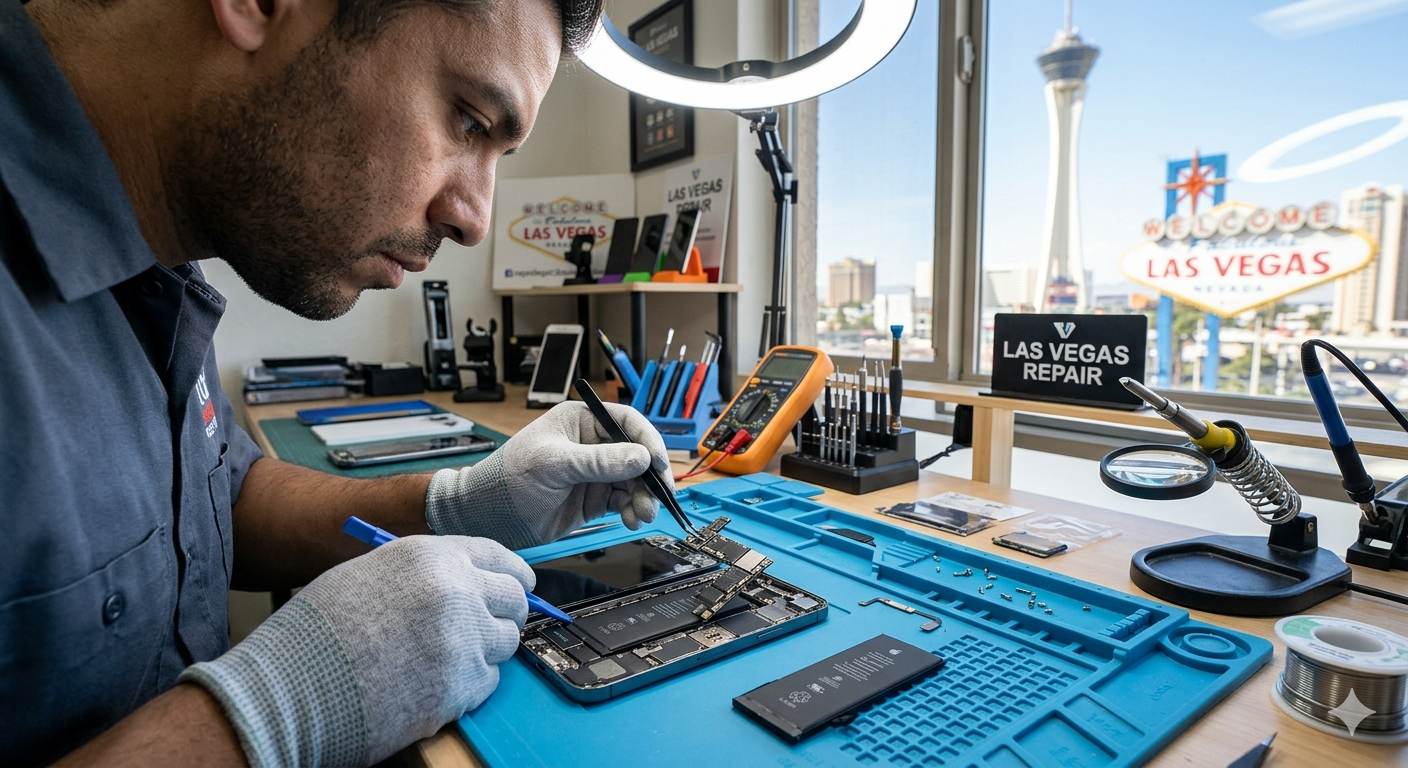
We’ve all been there.
You drop your iPhone while getting out of the car. A second later, you hear that sound—the one every smartphone owner dreads. You flip the device over and hope for the best. Sometimes you get lucky. Other times, you’re greeted by spiderweb cracks across the screen.
It happens.
The good news is that not every iPhone issue demands an immediate trip to a repair shop. Some problems are surprisingly simple to diagnose, and a few can even be solved at home with basic tools and a little patience.
That said, there’s a fine line between a successful DIY repair and turning a minor problem into an expensive headache. Knowing which fixes are safe to attempt—and which are better left to professionals—can save both money and frustration.
Start With the Basics
Before grabbing screwdrivers and watching teardown videos, it’s worth checking whether the problem is actually hardware-related.
Many iPhone issues are caused by software glitches rather than broken components. Frozen screens, battery drain, overheating, and apps crashing unexpectedly often have simple solutions.
Try these first:
- Restart the device.
- Update iOS to the latest version.
- Close unused apps.
- Check battery health under Settings.
- Reset network settings if connectivity is acting up.
- Back up your phone before making any major changes.
Sometimes the simplest answer wins.
I’ve seen people assume their iPhone speaker was dead, only to discover a tiny amount of pocket lint blocking the sound. Strange? Absolutely. But smartphones spend their lives in pockets, bags, and cup holders. Dirt finds a way.
Fixing Charging Problems
Charging issues rank among the most common complaints.
Your iPhone refuses to charge, or perhaps the cable only works at a weird angle. Before assuming the battery is dying, inspect the charging port.
Dust and debris love hiding there.
Using a flashlight, look carefully inside the port. If you notice buildup, gently remove it with a wooden toothpick or a soft anti-static brush. Avoid metal objects since they can damage the internal connectors.
Also check:
- Charging cable condition.
- Power adapter.
- Wireless charging function.
- Different outlets.
A surprising number of “dead” phones simply have dirty charging ports.
If none of these solutions help, the charging port itself may need to be replaced. At that stage, many users prefer seeking professional assistance from specialists offering iPhone repair Las Vegas services rather than attempting intricate component repairs themselves.
Dealing With Battery Drain
Modern iPhones pack a lot of power into a slim frame, but batteries naturally degrade over time.
If your battery percentage seems to disappear faster than coffee on Monday morning, don’t panic.
First, review Battery Health under Settings. Apple provides information about maximum capacity, giving you a clearer picture of battery condition.
You can also improve battery life by:
- Lowering screen brightness.
- Enabling Low Power Mode.
- Disabling Background App Refresh.
- Turning off unnecessary location services.
- Updating apps regularly.
Eventually, though, every lithium-ion battery reaches retirement age.
Battery replacement is technically possible for experienced DIY enthusiasts, but it requires special tools and careful handling. Damaging the battery can create safety hazards, which is why many people turn to technicians specializing in Smartphone repair LV services for battery replacements.
Cracked Screens: Can You Replace One Yourself?
Screen damage is almost a rite of passage.
The internet is filled with repair videos that make screen replacement look incredibly easy. Reality, unfortunately, has other plans.
Modern iPhones are tightly engineered. Adhesives, delicate flex cables, Face ID components, and waterproof seals all add layers of complexity.
Could you replace the screen yourself?
Sure.
Should everyone do it?
Probably not.
DIY kits are available, but even experienced hobbyists occasionally run into problems. Face ID failures, touch responsiveness issues, and poor screen quality are common consequences of rushed repairs.
For those lacking specialized tools, seeking reliable iPhone repair Las Vegas professionals often proves less stressful—and surprisingly affordable compared to replacing the entire phone.
Water Damage Requires Fast Action
Water and electronics have never been friends.
Despite improved water resistance, iPhones aren’t invincible. Pools, sinks, rainstorms, and accidental spills still cause plenty of damage.
If your phone gets wet:
- Turn it off immediately.
- Remove accessories.
- Dry the exterior with a microfiber cloth.
- Avoid charging it.
- Skip the rice trick.
Yes, the rice trick.
People swear by it, but many technicians consider it more myth than miracle. Rice doesn’t magically absorb moisture trapped inside the device, and tiny particles can actually create additional problems.
Instead, let the phone air dry and seek professional evaluation as soon as possible. Internal corrosion can continue long after the outside appears dry.
Speaker and Microphone Problems
Muffled calls and distorted audio don’t always signal hardware failure.
Before assuming the worst, check:
- Speaker grills for dust.
- Bluetooth connections.
- Audio settings.
- Protective cases that may block sound.
Compressed air should be used cautiously. Excessive pressure can push debris deeper into the device rather than removing it.
Soft brushes usually work better.
If audio issues persist, damaged speakers or microphones may require replacement. These components involve precision work, making expert repair a safer choice.
What About DIY Camera Repairs?
Smartphone cameras have evolved into tiny masterpieces of engineering.
That’s wonderful for photography.
Less wonderful for repairs.
Replacing camera modules isn’t impossible, but it’s certainly not beginner-friendly. Tiny connectors and calibration requirements make mistakes expensive.
Blurry photos, focusing issues, and black screens often stem from damaged camera modules. Rather than experimenting blindly, many users prefer professional diagnostic services offered by Smartphone repair specialists in Las Vegas.
Sometimes spending a little upfront prevents spending a lot later.
Samsung Users Face Similar Problems
Interestingly, many issues affecting iPhones also plague Samsung devices.
Cracked screens.
Battery wear.
Charging port failures.
Water damage.
Sound familiar?
Whether you’re carrying an Apple device or a Galaxy model, modern smartphones share many of the same vulnerabilities.
Fortunately, reputable repair centers often handle multiple brands. In fact, shops providing Samsung phone repair Las Vegas services usually possess the expertise and equipment needed for advanced repairs across various devices.
Technology may change quickly, but broken screens remain wonderfully consistent.
When DIY Makes Sense
Some repairs are perfectly reasonable for home users.
These include:
- Cleaning charging ports.
- Installing software updates.
- Replacing cases and screen protectors.
- Managing battery settings.
- Restarting and resetting devices.
- Troubleshooting connectivity issues.
These tasks require minimal risk and can extend your phone’s lifespan.
Think of them as routine maintenance rather than surgery.
When Professional Help Is Worth It
There comes a point where confidence should give way to caution.
Professional repair becomes the smarter choice when dealing with:
- Cracked OLED displays.
- Battery replacements.
- Water damage.
- Face ID problems.
- Charging port replacements.
- Camera repairs.
- Motherboard issues.
Modern smartphones are engineering marvels. They’re compact, powerful, and astonishingly complicated.
One wrong move can turn a repair costing a couple of hundred dollars into a complete device replacement. Nobody enjoys learning that lesson firsthand.
A Little Care Goes a Long Way
Smartphones have become extensions of ourselves.
They store photos, banking apps, memories, work documents, travel plans, and countless text conversations. Losing access to one—even for a few hours—feels oddly unsettling.
The good news?
Many problems are preventable.
Use quality cases. Replace worn charging cables. Keep software updated. Avoid exposing your phone to extreme temperatures. And perhaps most importantly, don’t ignore small issues hoping they’ll magically disappear.
Because they rarely do.
Whether you’re tackling simple fixes at home or seeking trusted iPhone repair, Samsung phone repair, or Smartphone repair services, understanding the problem is always the first step.
Sometimes the fix is easier than expected.
And sometimes, knowing when not to grab the screwdriver is the smartest repair skill of all.