
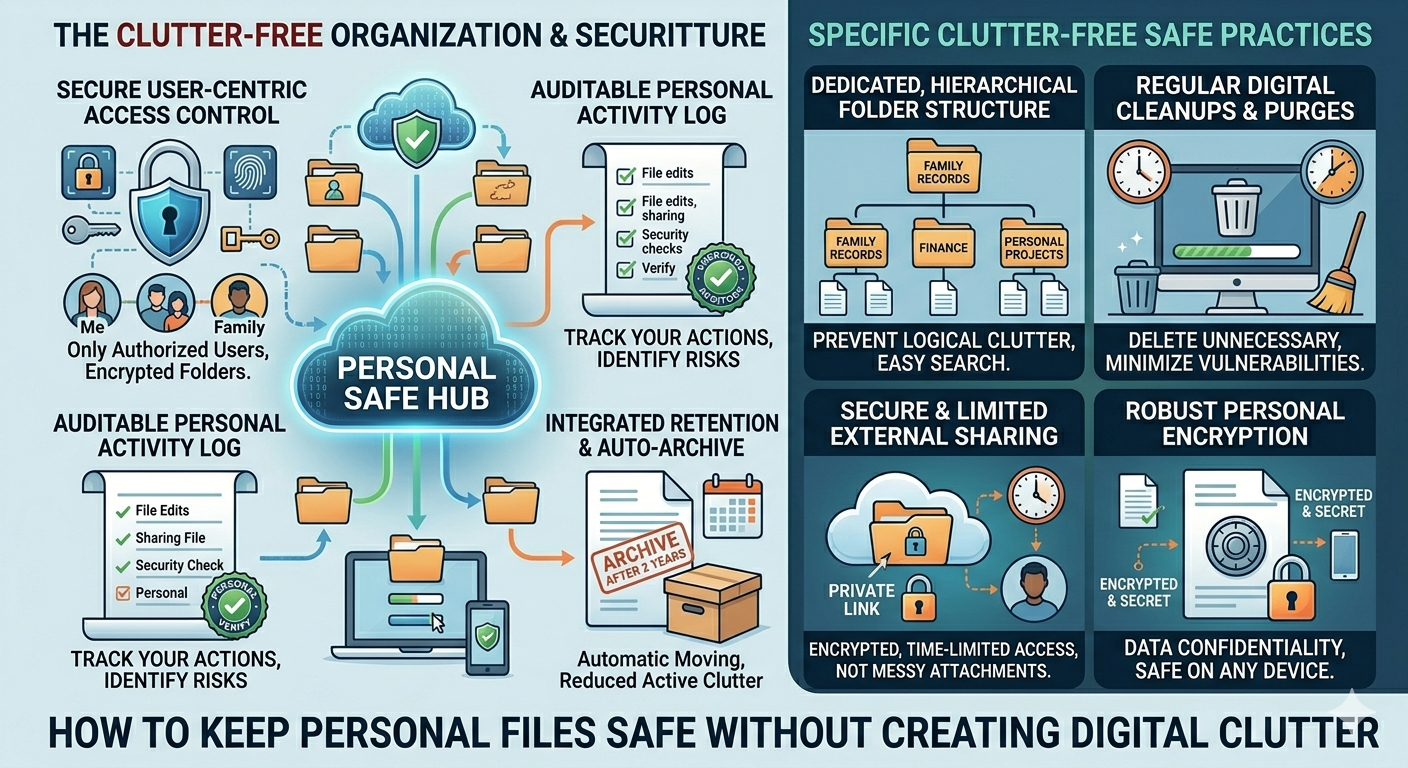
Most people save personal files everywhere: phone galleries, laptop downloads, email inboxes, WhatsApp chats, cloud drives, old USBs, and random folders they forgot existed. Personal Digital Archiving helps you protect important files without turning your digital life into a messy storage room. The goal is not to save everything forever. The goal is to keep the right files, organize them clearly, and make sure they are safe when you need them.
Digital clutter is more common than people think. A 2025 report cited survey data showing that 77% of Americans have more digital files than they need, with many feeling overwhelmed by the amount of digital clutter they keep. That clutter includes duplicate photos, old downloads, screenshots, outdated documents, and files saved “just in case.”
Why Personal Files Need Better Organization
Personal files are not all the same. A blurry screenshot from 2021 does not need the same protection as a passport scan, tax return, insurance policy, property document, medical report, academic certificate, or family photo archive.
The problem starts when everything gets saved in one place. Downloads become a dumping ground. Cloud storage fills up with duplicates. Email attachments become the only copy of important documents. Photos are backed up automatically, but nobody deletes the bad ones. Over time, people end up paying for extra storage while still struggling to find the one file they actually need.
A better approach starts with separating important files from digital noise. Important records should be stored in clear categories, such as:
- Identity documents
- Tax and finance records
- Medical files
- Home and property records
- Education and work documents
- Family photos and videos
- Legal documents
- Receipts and warranties
This structure is simple, but that is why it works. A personal archive should not be clever. It should be easy to use on a stressful day when you urgently need one document.
Good Personal Digital Archiving also means using clear file names. A file called “IMG_4829” or “scan-final-new2.pdf” is not helpful. A better name would be “Passport Scan 2026” or “Car Insurance Policy 2025.” Clear names make search useful and reduce the time spent opening random files.
How to Save Less but Protect More
The biggest mistake people make is thinking archiving means keeping everything. It does not. Keeping everything creates clutter, confusion, and sometimes even risk.
A clean archive should focus on value. Ask one simple question: “Will this file matter later?” If the answer is yes, keep it. If the answer is no, delete it. If the answer is unclear, put it in a temporary review folder and check it monthly.
Photos are a perfect example. Most people have dozens of nearly identical shots from the same moment. You do not need every blurry image, accidental screenshot, or duplicate download. Keep the best version and remove the rest. For family memories, organize photos by year, event, or person. That makes the collection easier to enjoy later instead of turning it into a 40,000-photo maze.
The same rule applies to documents. Keep final versions, not every draft. Keep signed copies, not half-completed forms. Keep active warranties, not receipts for products you threw away three years ago.
Security also matters. Personal documents often contain names, addresses, signatures, ID numbers, financial details, and private information. The Federal Trade Commission reported that consumers lost more than $12.5 billion to fraud in 2024, a 25% increase from 2023. That is a strong reminder that sensitive files should not sit unprotected in random folders or shared drives.
Use strong passwords, enable two-factor authentication, and avoid storing sensitive files in places other people can access. For highly private records, use encrypted storage or a password-protected folder.
Backups Stop Small Problems From Becoming Big Ones
A file is not truly safe if it only exists in one place. Phones break. Laptops crash. Accounts get locked. Cloud folders get deleted. External drives fail. People also accidentally remove files they meant to keep.
That is why backup discipline matters. CISA’s backup guidance recommends the 3-2-1 rule: keep three copies of important files, store them on two different media types, and keep one copy off-site. For personal use, that could mean one copy on your laptop, one on an external drive, and one in secure cloud storage.
This does not mean every file needs three copies. Your random memes can retire peacefully. But important records deserve stronger protection. Tax documents, identity files, family photos, legal papers, and medical records should not depend on one device.
A practical routine can make this easier. Once a month, clean your downloads folder. Once every quarter, review cloud storage. Once a year, update your archive folders and remove files that no longer matter. This keeps the system healthy without turning file management into a second job.
Personal Digital Archiving works best when it is boring, repeatable, and easy. The best archive is not the one with the most folders. It is the one you can actually maintain.
Conclusion
Keeping personal files safe does not mean saving everything. It means protecting the files that matter while removing the clutter that makes them hard to find.
Personal Digital Archiving gives you a practical way to organize documents, preserve memories, secure sensitive records, and avoid paying for unnecessary storage. Start with your most important files, rename them clearly, build simple folders, delete duplicates, and follow a reliable backup method.
A clean digital archive gives peace of mind. A messy one gives stress with a search bar. Choose the clean one.